
1 / 5
 Voltmat Power


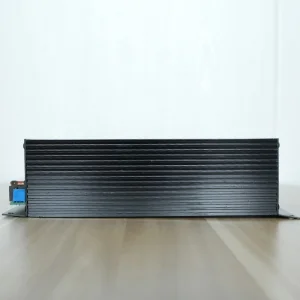
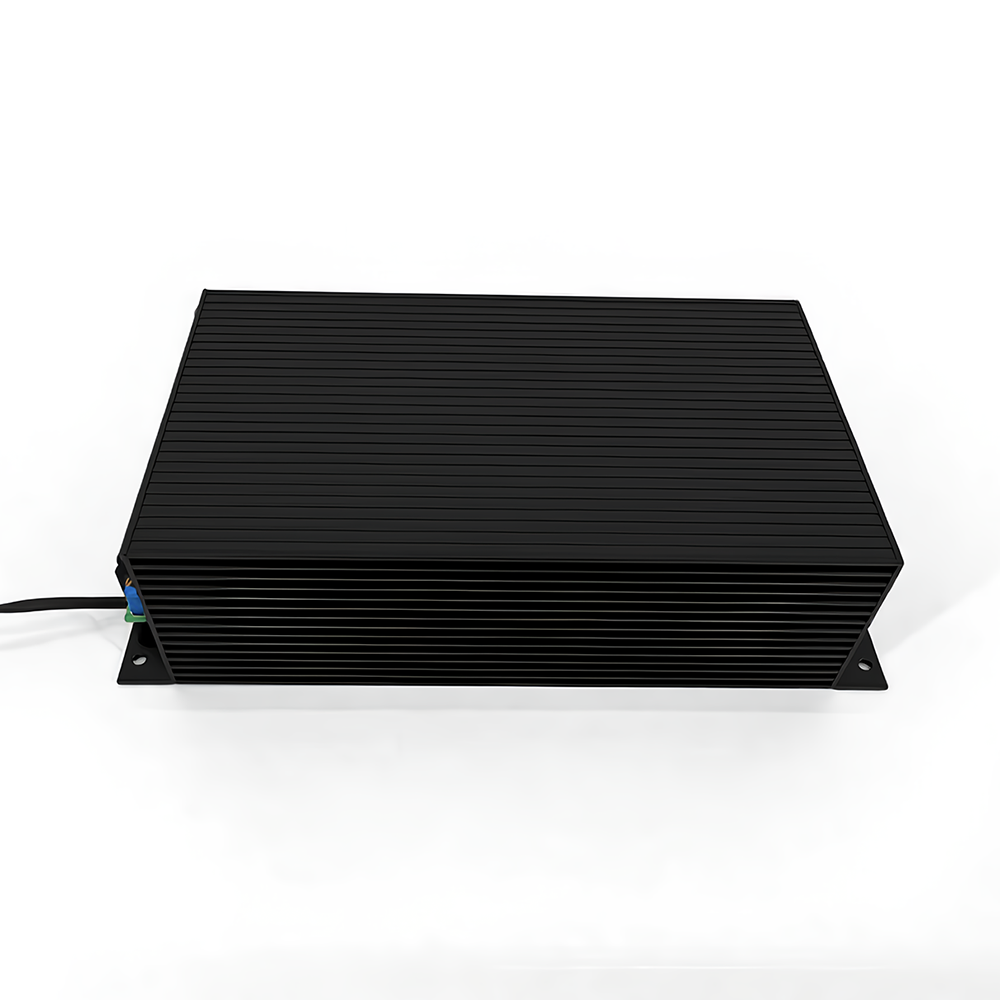
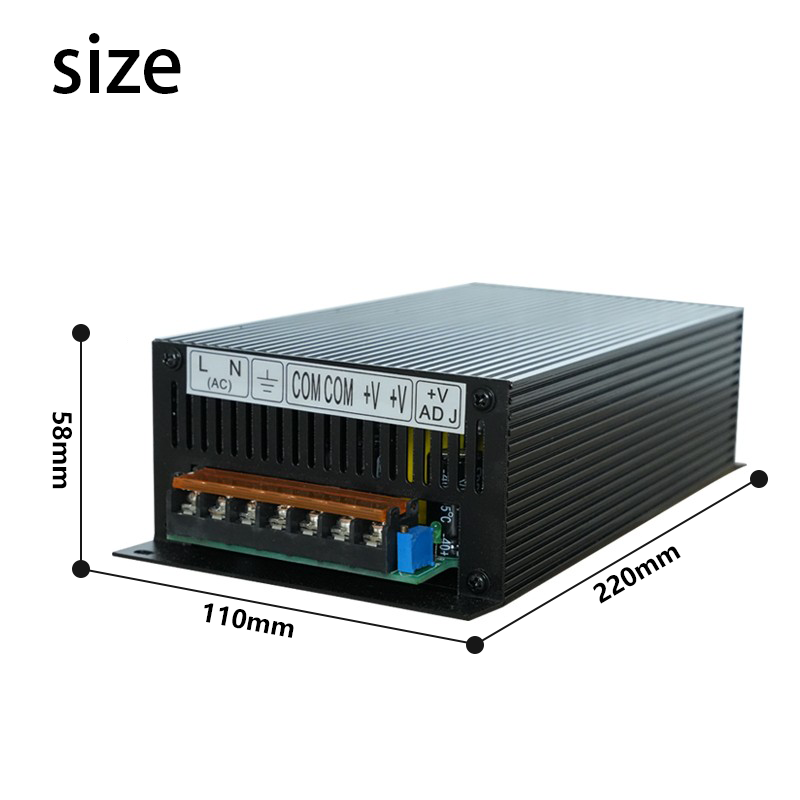
| Product Name | DC Switching Power Supply | Operating Relative Humidity | 88% ~ 89% |
|---|---|---|---|
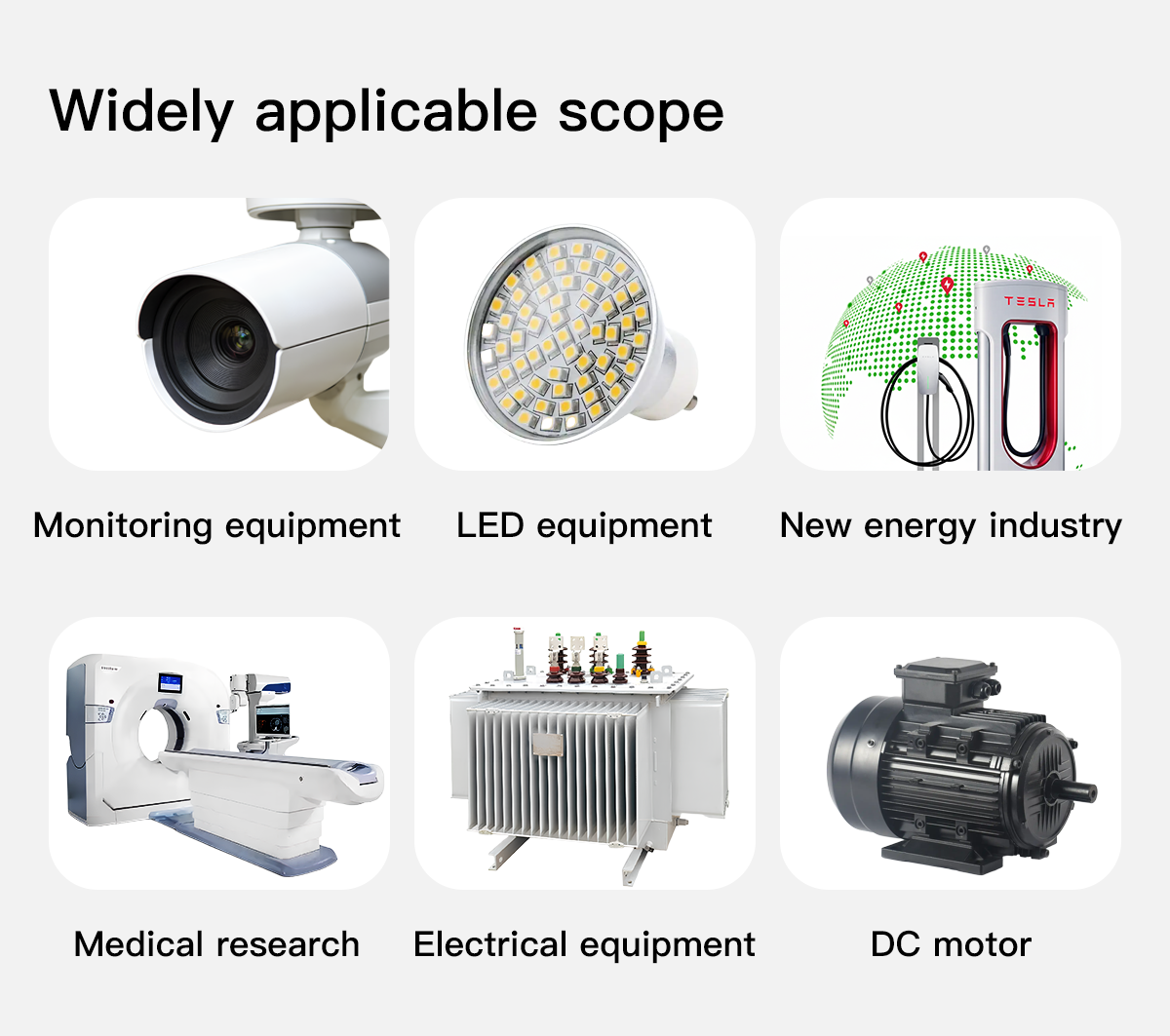
| Power Rating | 500W | Application Scenarios | Power electronics, electroplating, water treatment, battery charging, new energy maintenance, and other DC application fields |
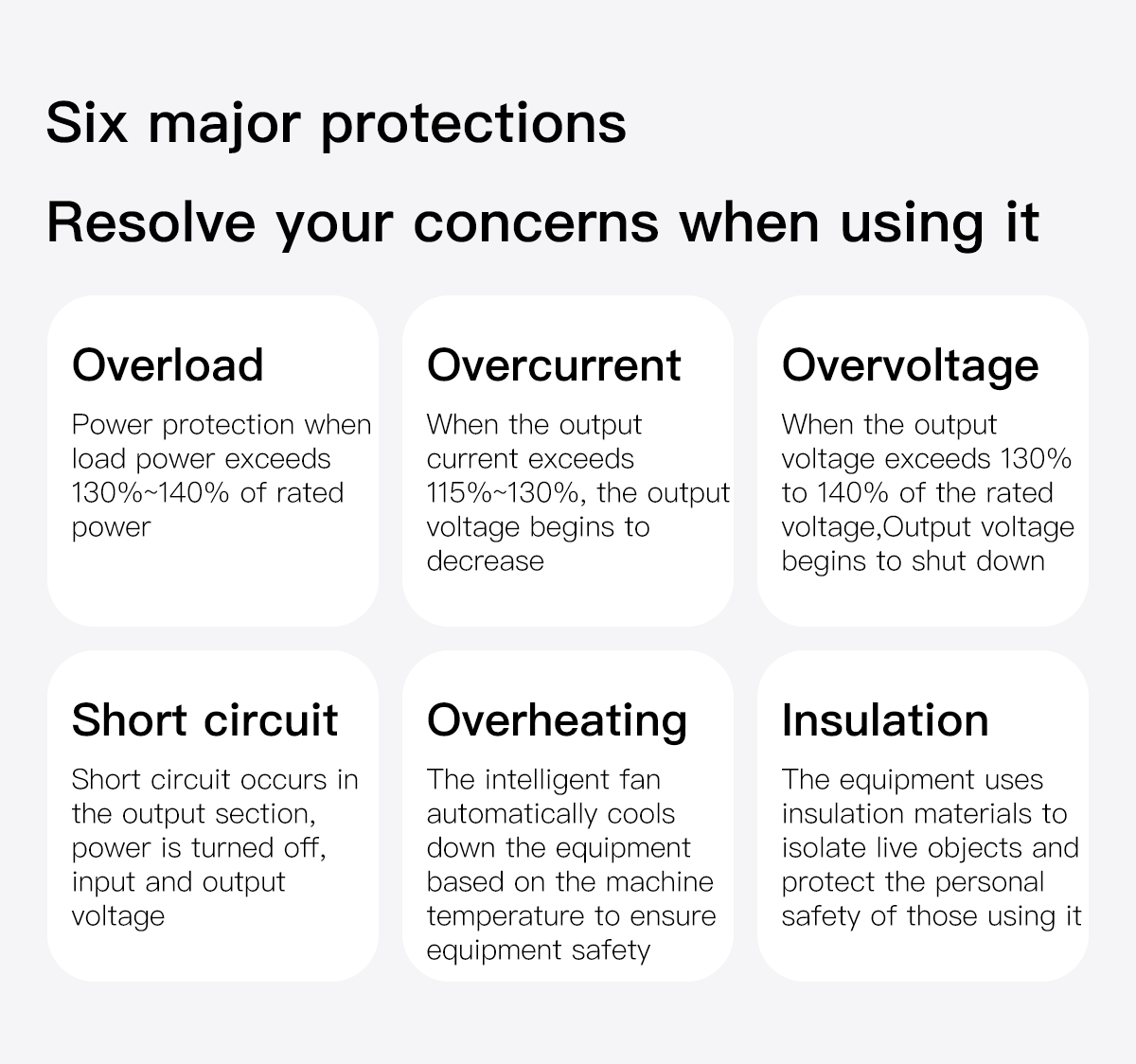
| Input Voltage | Single-phase: 220V±10% (50-60Hz) / 110V±10% (50-60Hz) | Protection Functions | Overcurrent, overvoltage, overheating, short-circuit protection |
| Output Voltage | 12V / 15V / 24V / 30V / 36V / 48V / 50V / 60V / 72V / 80V / 90V / 110V / 150V / 220V / 300V / 400V | Product Features | High stability, high reliability |
| Output Current | Selected power / selected voltage | Warranty Period | 1 Year |
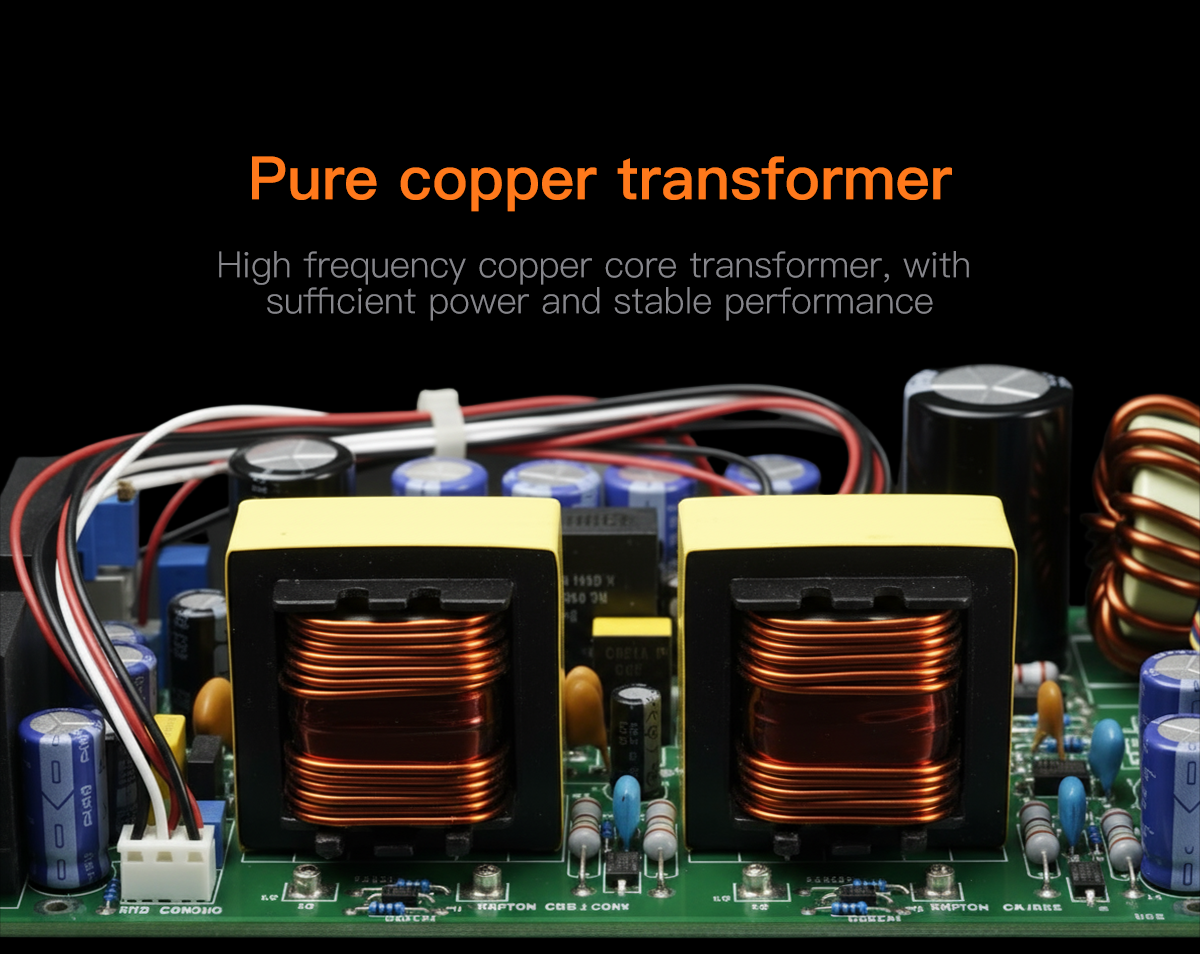
| Power Conversion Type | AC-DC | Product Weight | Approximately 1.5 KG |
| Efficiency | ≥ 88% - 89% | Carton Dimensions | 255 × 125 × 65 mm |
| Output Voltage Accuracy | ± 1% |



1.Before powering on, inspect the stored and transported switching power supply. Check for any damage during transit, such as loose screws, abnormal appearance, dislodged power cords/terminals, or signs of dampness. Address any issues promptly before use.
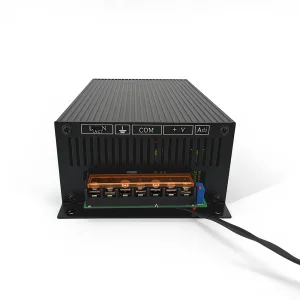
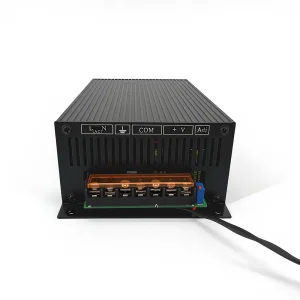
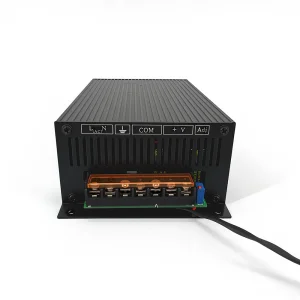
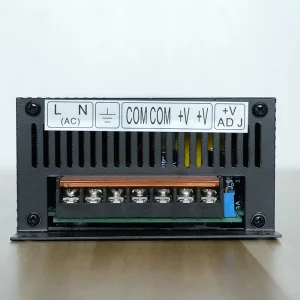
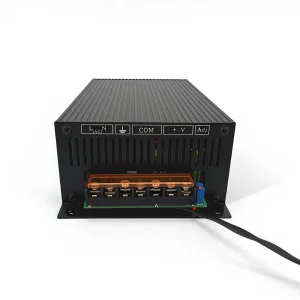
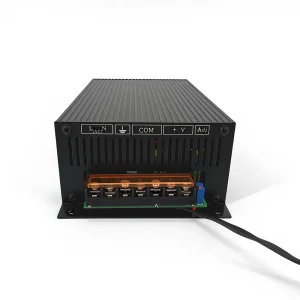
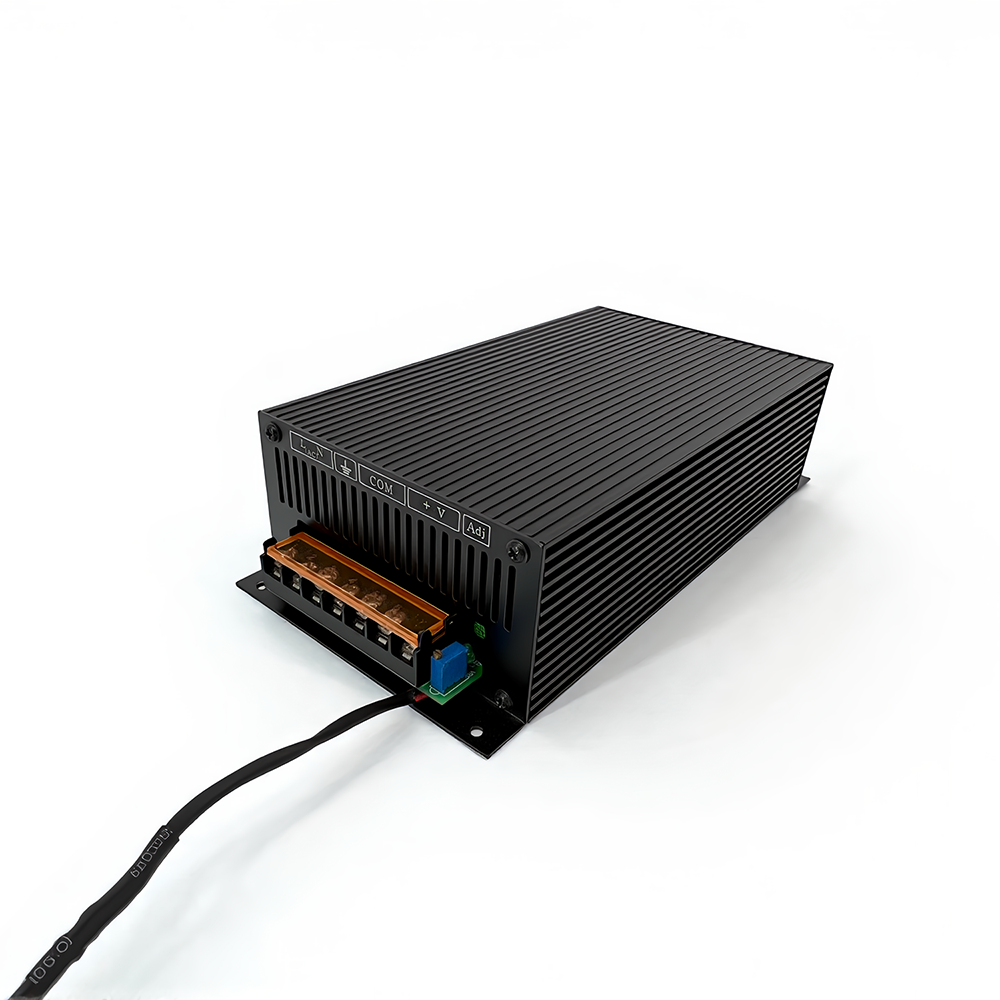
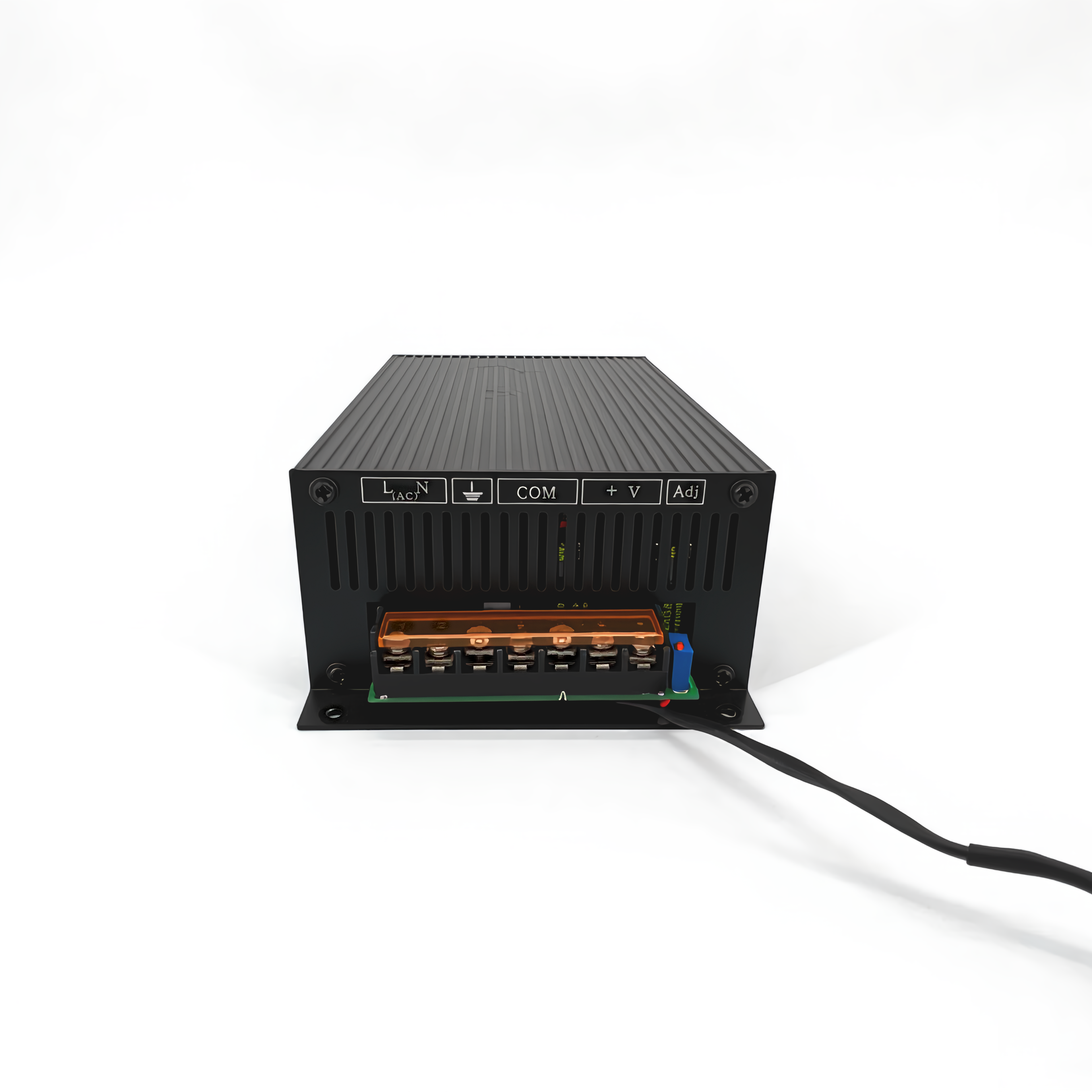
2.The local power switch controls the internal auxiliary power supply. For safety, install an air switch at the power input terminal to control overall power input. Correctly connect the ground wire and input power wire according to the rear panel labels. Confirm the input source matches the voltage specifications.
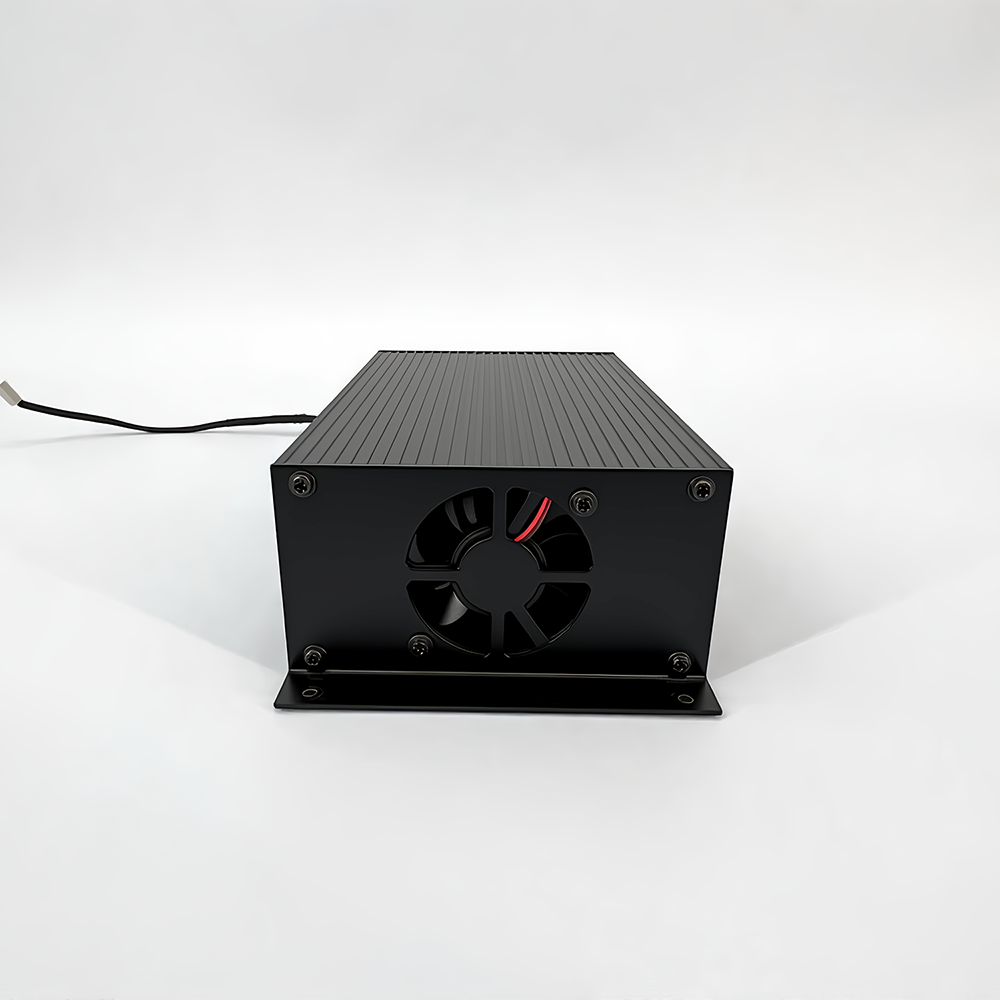
3.The cooling fan is temperature-controlled and starts when the internal temperature exceeds the threshold. Fan speed fluctuates based on output load, which is normal behavior. Ensure the fan's air inlet and outlet remain unobstructed during operation.
4.If the internal temperature reaches the overheat protection threshold, the device will shut down automatically to prevent damage. It will resume operation once the temperature drops.
5.Avoid environments with excessive dust, acid, or corrosive gases. Protect the equipment from severe vibrations, physical impacts, rain, and direct sunlight.
6.Regular dust removal using dry compressed air is recommended to extend the equipment's lifespan. Do not open the outer casing or risk damaging internal components as high voltage remains inside.
7.Store the idle power supply in a dry, ventilated room. If stored for over 6 months, power it on and run it for at least 30 minutes to maintain component health.
8.Warning: Only connect load equipment after a power-on test is successful and shows no errors.
9.Troubleshooting: If abnormal operation occurs, switch off the power supply immediately. Check connections and ensure switches and knobs are positioned correctly. Do not attempt to open the casing or self-repair due to high-voltage hazards. Please notify the supplier promptly to resolve the issue.